

The PlayOJO app for iPhone exists: you can install it on an iPhone and play from there. If you use an Android phone, the Android app is the equivalent, and the mobile site works on either.
What you can do on iPhone

The app puts PlayOJO on your iPhone: you can log in to your account and play. A phone has a smaller screen and touch controls in place of a mouse and keyboard, so expect games to look and feel a little different from the desktop site.
The games are the same kind you find on the desktop site, and the rules do not change with the device. Results are random whichever way you play, and a bonus carries the same terms whether you claim it on a phone or a computer.
Because the rules are the same, anything you read on this site about deposits, withdrawals or identity checks applies on the phone too. The one practical difference is how easy it is to rush on a small screen, so read each screen before you confirm a payment or accept an offer.
If you are new, sign up to create an account. If you already have one, log in with your usual details. The mobile site is the alternative if you prefer not to install anything; the mobile version page explains it.
Finding and installing the iPhone app
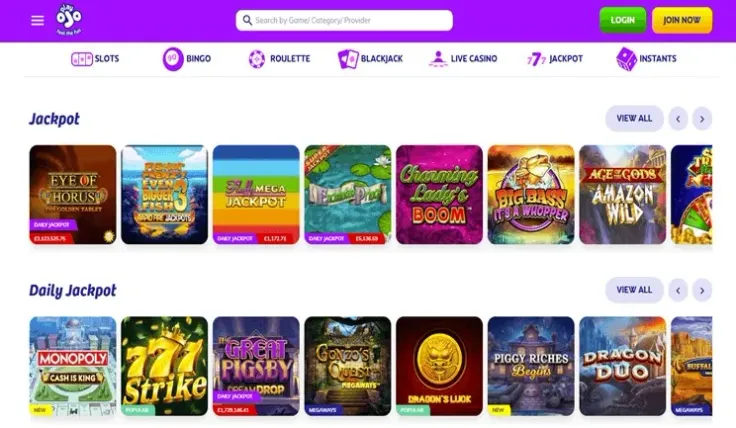
The app is installed through the App Store. Use the button at the top of this page or search for PlayOJO in the store, then read the listing before you install and make sure it is the app for PlayOJO, not a similar name from another publisher.
Install only through the App Store. Never follow a link in a message, a forum post or an unfamiliar website that claims to give you the app.
Keep iOS and the app up to date. Updates fix security problems, and a phone that has not been updated for a long time is a weaker place to keep a gambling account. Apps from the App Store update through the store, so you can leave automatic updates switched on.
When the app is on your home screen, open it and log in. If you cannot find it in the store, the mobile site in Safari is the fallback and needs no installation.
Keeping your account secure on a phone

Set a passcode, Face ID or Touch ID on your iPhone and do not hand the phone to someone else while you are logged in. If the phone is lost, change your PlayOJO password from another device as soon as you can.
Games use mobile data, so a limited plan can run down faster than you expect. A Wi-Fi network you trust is a safer and cheaper choice than a public one, particularly when you log in or make a payment.
Decide in advance how much you are happy to spend, and use the deposit limits and time-out tools in your account to keep to it. Set them before you play, not afterwards. Playing is for entertainment, and it costs money.